
Cake Wallet and Monero
Learn how to install, configure, and use Cake Wallet with Monero.
Este tutorial se escribió hace más de dos años. Dado que el mundo de la tecnología evoluciona rápidamente, es posible que parte de la información ya no sea idéntica a las nuevas versiones del software o las aplicaciones presentadas.
Este contenido aún no existe en Español. En su lugar se muestra el contenido del idioma predeterminado.
Monero
Método de pago
You will learn how to:
- install a Monero wallet;
- create your own wallet;
- back up your recovery phrase;
- receive and send Monero;
- buy XMR with euros;
- use your cryptocurrencies with merchants.
https://youtube.com/embed/e7dywiZIpWg
#Recommended Applications
The following applications are used in this tutorial:
| Application | Purpose |
|---|---|
| Cake Wallet | Monero and Bitcoin wallet |
| Relai | Sovereign Bitcoin wallet |
| BTC Map | Find businesses accepting Bitcoin |
| Bitrefill | Spend cryptocurrencies with mainstream retailers |
#Why Use a Sovereign Wallet?
A non-custodial wallet means that you directly control your funds.
You own:
- your private keys;
- your recovery phrase;
- the ability to send your funds without authorization from an intermediary.
Conversely, leaving your cryptocurrencies on an exchange platform means that you depend on a third party.
#Installing Cake Wallet
#Download the Application
Go to the official website: https://cakewallet.com
Cake Wallet is available on several platforms:
- Android through Google Play;
- Android via APK file;
- F-Droid.
Android allows you to install the application independently from the Play Store using the APK file.
#Creating a New Wallet
Open Cake Wallet and:
- Accept the terms of use.
- Select Create a new wallet.
- Set a PIN code.
This PIN code only protects the application on your phone.
#Choosing Monero
Cake Wallet supports multiple cryptocurrencies.
For this tutorial:
- Select Monero (XMR).
- Give your wallet a name.
- Choose the backup format:
- Legacy 25 words;
- French language.
#Backing Up Your Wallet
Cake Wallet will display a 25-word recovery phrase.
These words allow you to restore your wallet:
- on a new phone;
- after losing or replacing your device.
#Important Rules
✅ Write these words down on paper.
Even better:
- use a durable metal backup plate;
- keep several copies in secure locations.
❌ Do not take screenshots.
❌ Do not store this phrase in the cloud.
❌ Never share these words.
Anyone who has this phrase has access to your wallet.
#Setting the Display Currency to Euros
By default, Cake Wallet may display amounts in dollars.
To switch to euros:
- Open the settings.
- Go to Display.
- Select EUR as the currency.
#Receiving Monero
In Cake Wallet:
- Click Receive.
- Copy your Monero address.
- Share it with the person who needs to send you XMR.
You can also use the QR code.
Both methods refer to the same address.
#Sending Monero
To send XMR:
- Click Send.
- Enter the recipient’s address.
- Enter the amount.
- Optionally add a note.
- Confirm the transaction.
You can scan a QR code directly to avoid errors.
#Transaction Fees
Monero transaction fees are generally very low.
Cake Wallet allows you to adjust the transaction priority level depending on your need for faster confirmation.
#Transaction Confirmation
A transaction appears quickly after being sent.
However:
- it must then be confirmed by the network;
- your balance may remain temporarily unavailable while synchronization is in progress.
Make sure Cake Wallet is properly synchronized before making a payment.
#Buying Monero with Euros
Cake Wallet allows you to buy Monero directly from the application.
#Process
- Click Buy.
- Choose the available provider.
- Select the desired amount.
- Complete the requested bank transfer.
Your Monero address is automatically used to receive the funds.
#About Purchases
Depending on the amount and the provider, an identity verification process may be required.
Fees generally range between 1% and 3%.
#Spending Your Monero
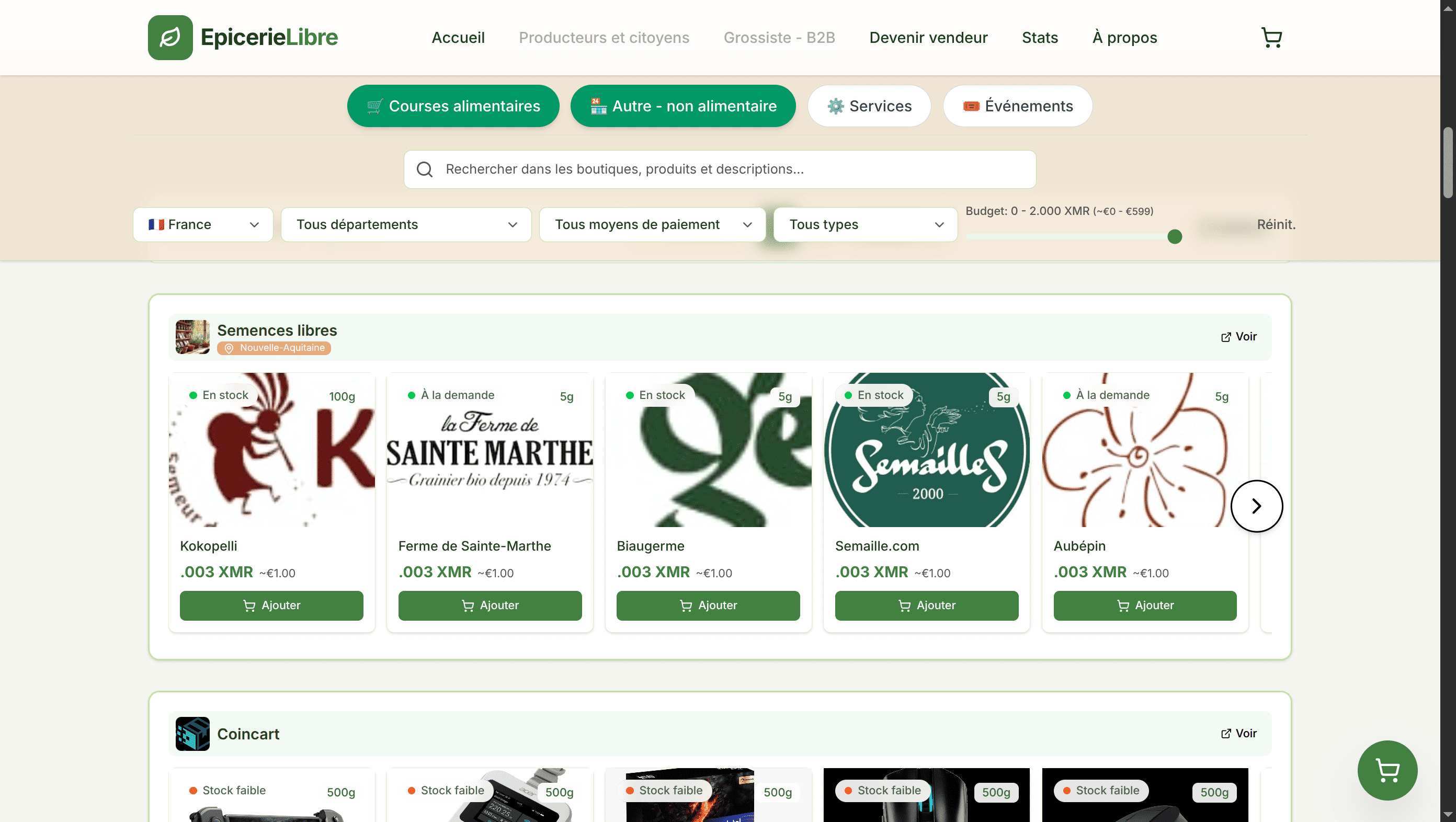
Monero can be used with some merchants.
To find businesses accepting cryptocurrencies:
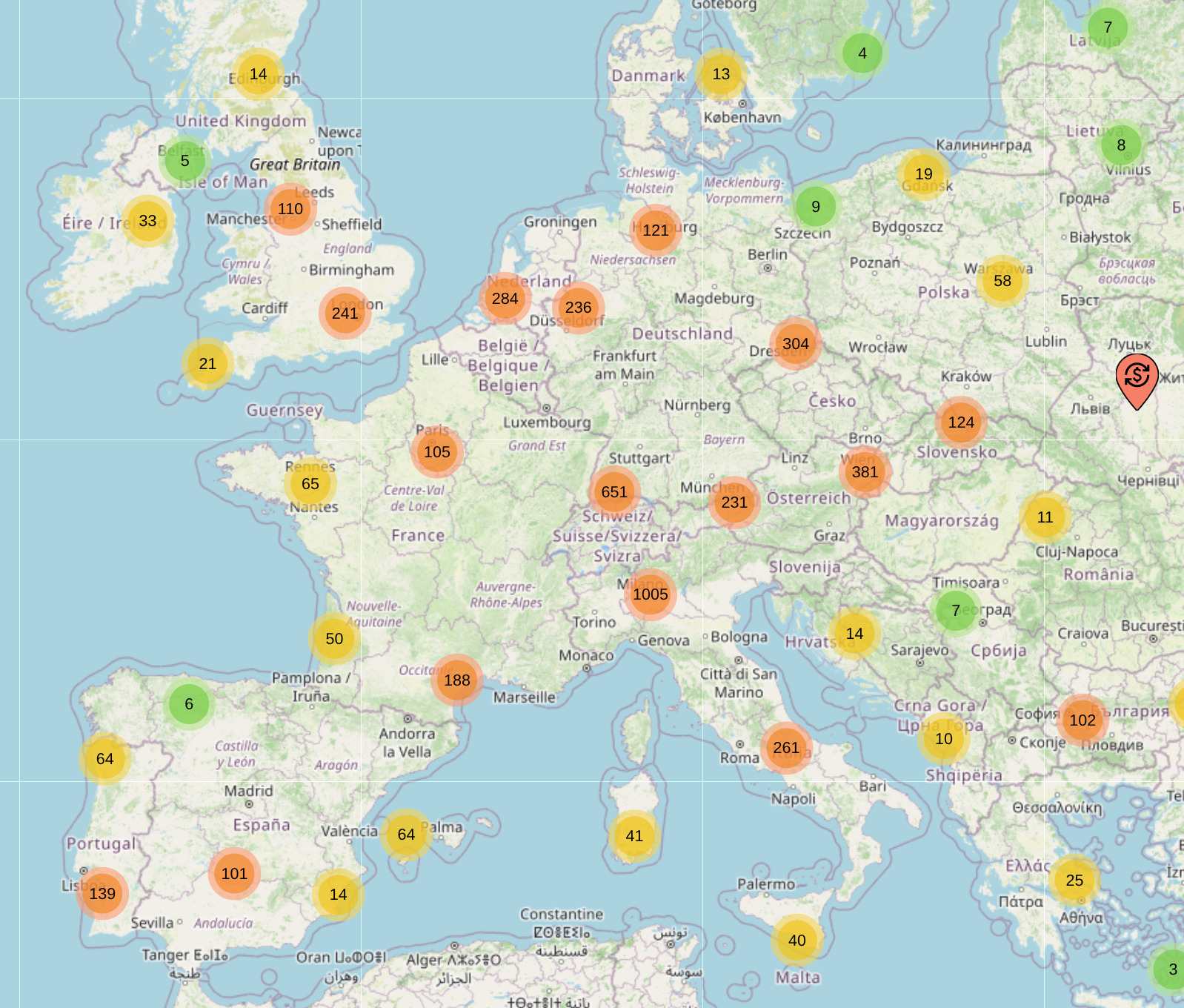
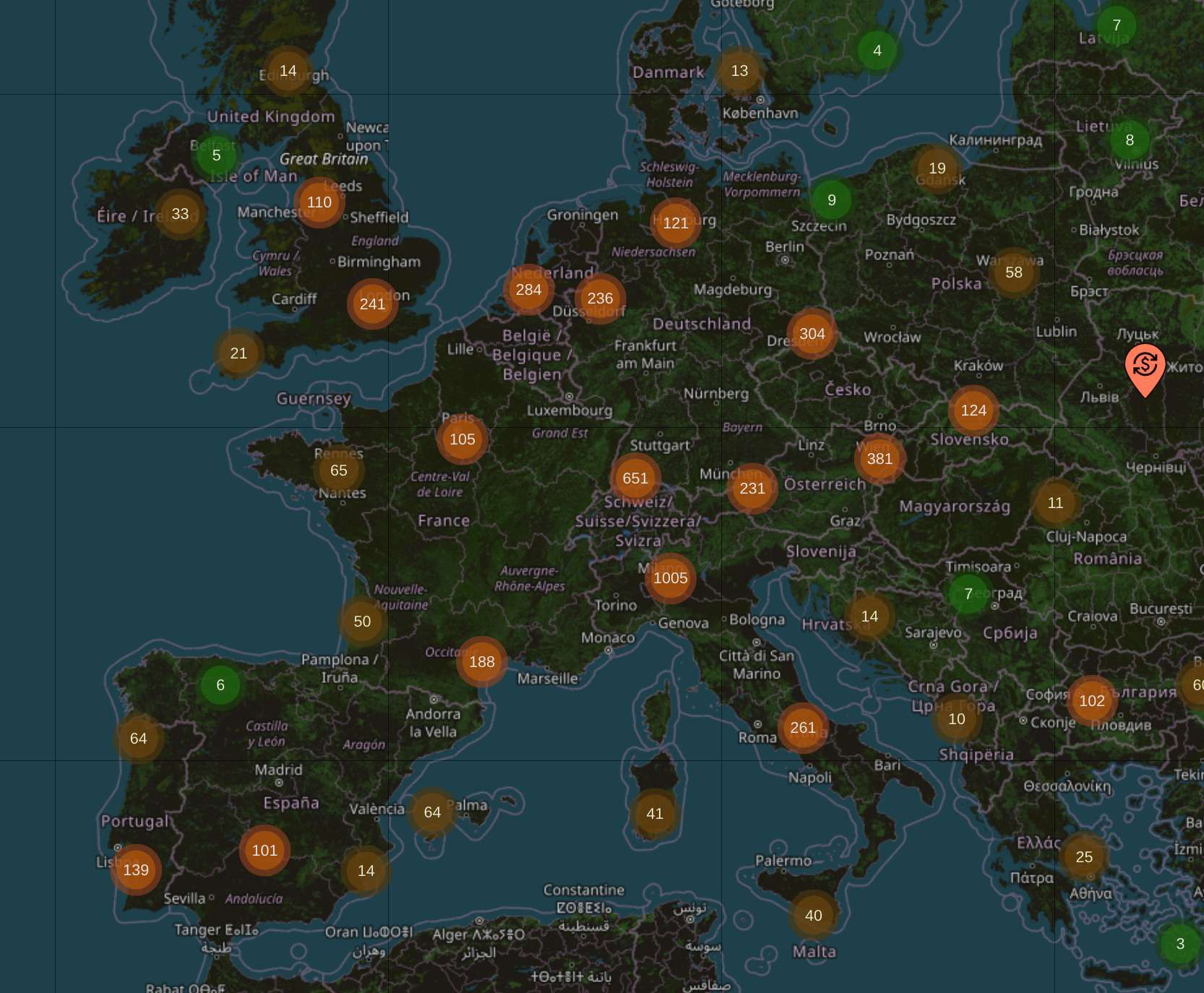
- use Bank-Exit map;
- search for merchants near you.
If no businesses directly accept Bitcoin or Monero in your area, services such as Bitrefill allow you to use cryptocurrencies to purchase certain services and gift cards.
#Security Best Practices
To remain sovereign:
- always keep your recovery phrase offline;
- verify addresses before sending a transaction;
- keep your application updated;
- never use a wallet where you do not own the keys.
#Conclusion
In just a few steps, you now have:
- a personal Monero wallet;
- the ability to send and receive payments;
- a way to buy XMR;
- a solution to use your funds directly with certain merchants.
Financial sovereignty begins with controlling your own keys.
Este artículo es una transcripción fiel de un contenido de audio o vídeo.