



Monero
Zahlungsmittel
#Available solutions to buy Monero
There are several ways to acquire Monero:
- BIM Exchange, the solution presented in this tutorial, which allows you to easily buy or sell Bitcoin and Monero through a bank transfer.
- Peer-to-peer (P2P) platforms, which directly connect individuals with each other.
- More advanced decentralized solutions, such as RetoSwap, designed for experienced users who want to perform exchanges in a decentralized way.
In this guide, we focus on using BIM Exchange.
https://youtube.com/embed/q61XhYwMrK0
#Step 1 – Access BIM Exchange
Go to BIM Exchange.
Click on Buy, then select Monero (XMR).
#Step 2 – Choose the amount to purchase
Enter the amount you would like to pay in euros.
The platform automatically calculates the amount of Monero you will receive based on the current exchange rate.
For your first purchase, it is recommended to start with a small amount (for example, €50) to become familiar with the platform before making larger transactions.
Then click Next.
#Step 3 – Enter your information
Fill in the requested information:
- your first name
- your last name
- your email address (useful to receive order tracking information)
You will also need to provide your Monero receiving address.
If you do not have a wallet yet, create one before continuing. You can then copy your public address and paste it into the form.
Once all information has been entered, click Next.
#Step 4 – Review the order summary
The platform will display a summary of your order.
You will find:
- the amount to send;
- the BIM Exchange IBAN;
- the BIC/SWIFT code if required;
- a unique payment reference.
Take the time to verify all this information before making the bank transfer.
#Step 5 – Make the bank transfer
Log in to your online banking service.
If necessary, add BIM Exchange as a new beneficiary using the provided IBAN.
When making your transfer:
- enter the indicated amount;
- copy exactly the payment reference into the appropriate field (reference or transfer description, depending on your bank).
Without this reference, your order processing may be delayed.
#Step 6 – Receive your Monero
After receiving your bank transfer, BIM Exchange processes your order.
The processing time may vary depending on your bank, but Monero is generally received within one hour to a few business days.
The funds will appear directly in your Monero wallet.
#After your purchase
Once you have received your Monero, you can:
- keep it in your wallet;
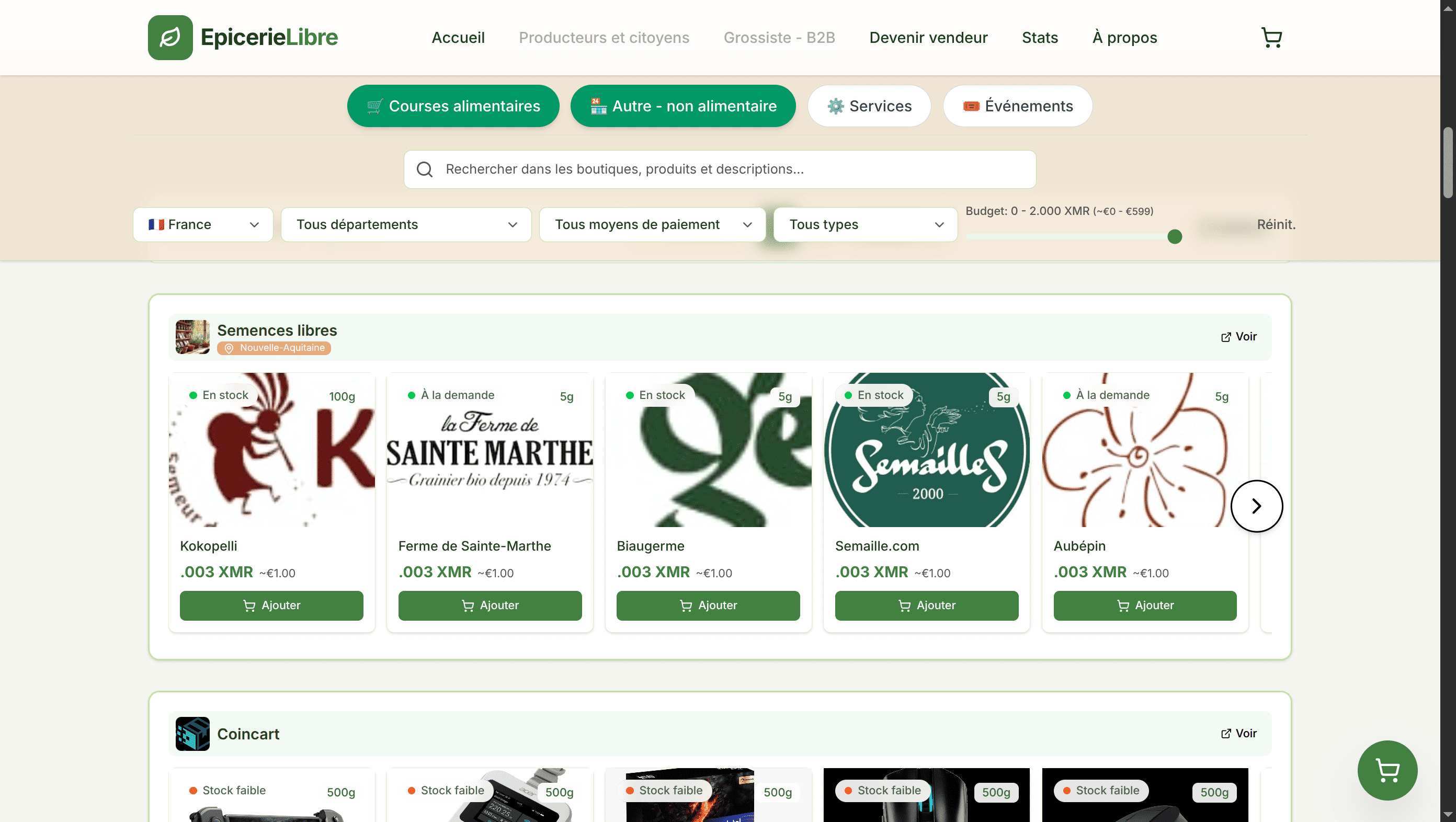
- use it as a payment method with merchants that accept Monero;
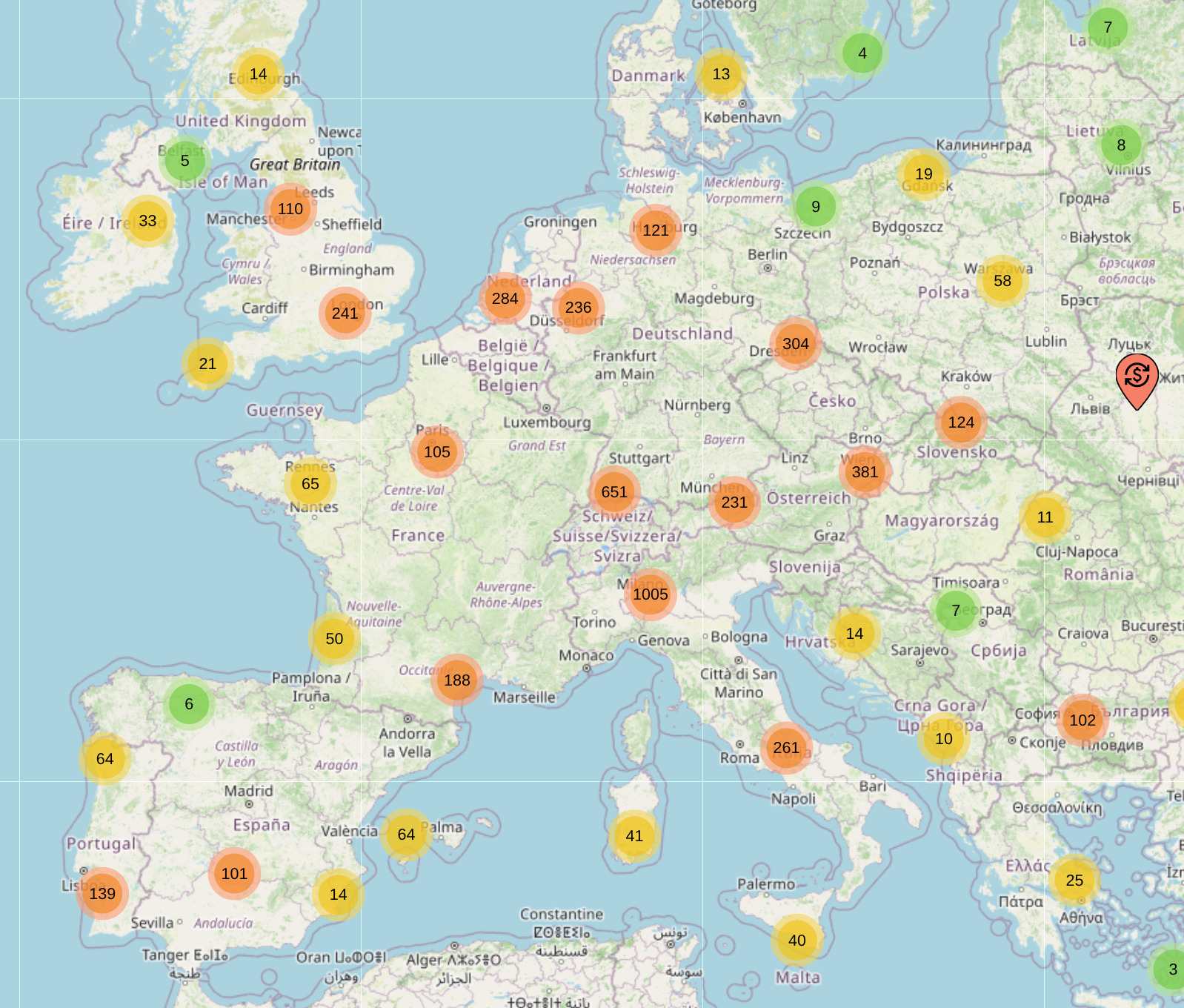
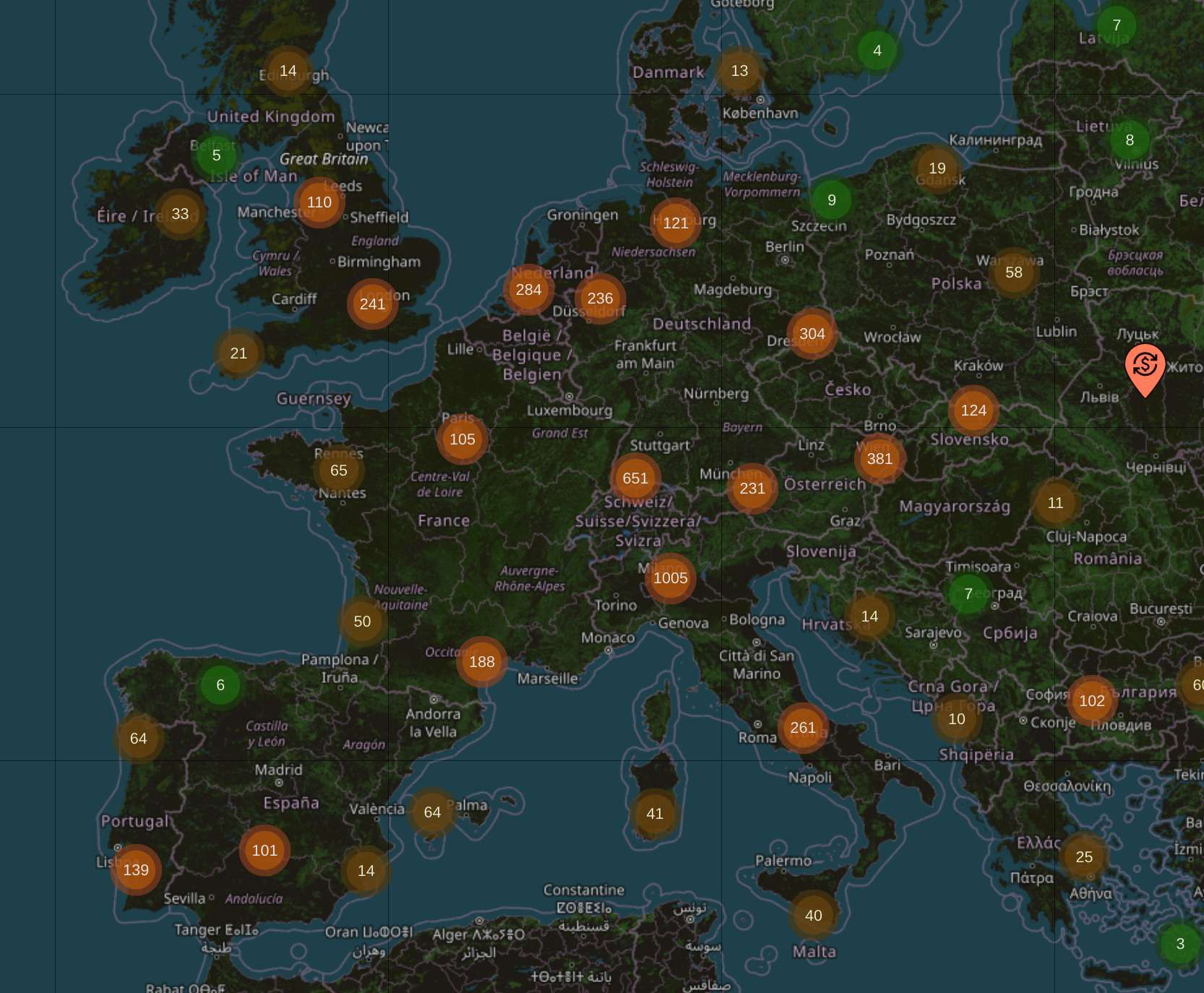
- browse Bank Exit directories to find physical stores and online shops that accept this payment method.
#Best practices
- Start with a small amount to become familiar with how the platform works.
- Carefully verify your receiving address before confirming your order.
- Never forget to include the required payment reference when making your bank transfer.
- Make sure you comply with the legal and tax obligations related to cryptoassets in your country.
Dieser Artikel ist eine originalgetreue Transkription eines Audio- oder Videoinhalts.